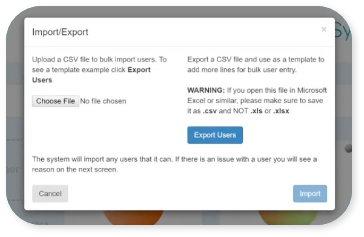
Ok let’s go, make your way to Users  in the menu
Click ‘Add User’. 
Now all you have to do is fill in your
‘Basic User Information’.
For a simple set up just add their Name, Username, Email Address and Password.
The user can then download the byphone app and login using the credentials you have just created with @byphone suffix on their username.

Glad you asked! Make your way to Users in the menu