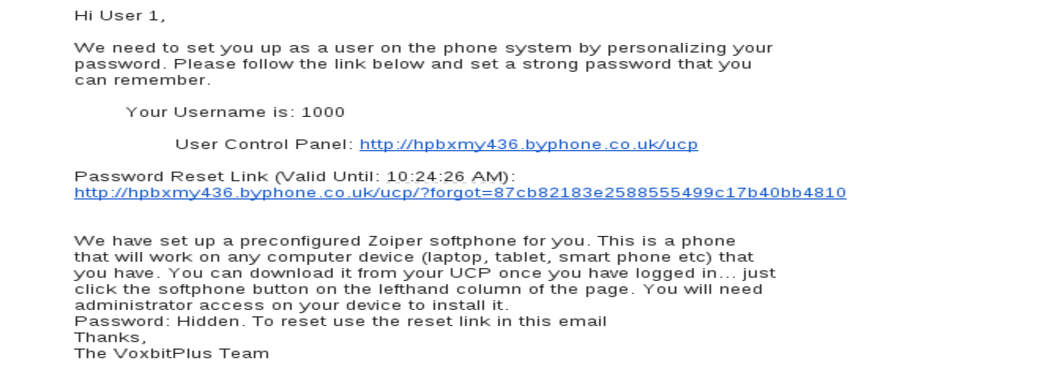
You should receive an email from the system, which allows you to personalize your password.
Please follow the password link to set a personalized password. In this mail you will also see your user name and a link to the system user page.
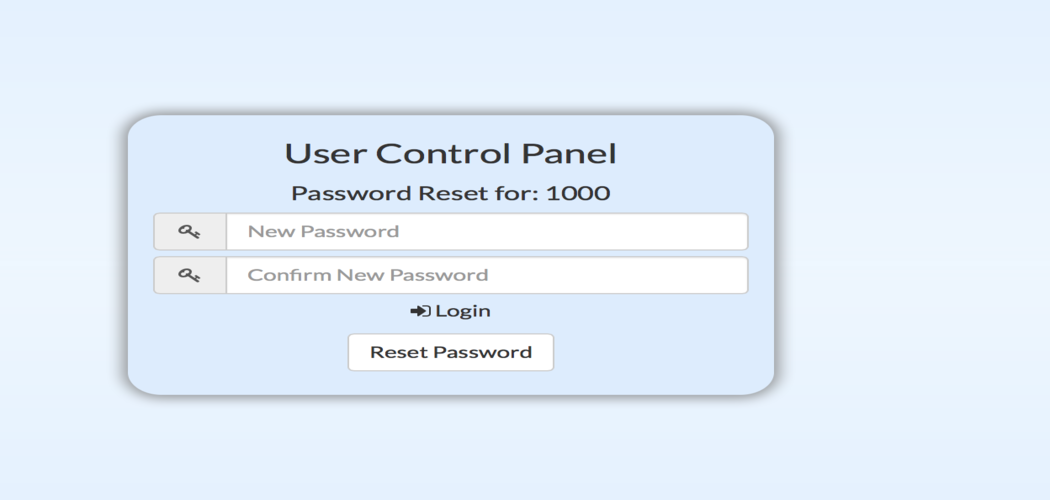
The password link should bring you through to the following screen, where you enter in a new password that suits you.
Once you reset the screen you should get the following login page.
Note your user name. Normally its your extension number and it is also in the email you were sent when you set up the system.
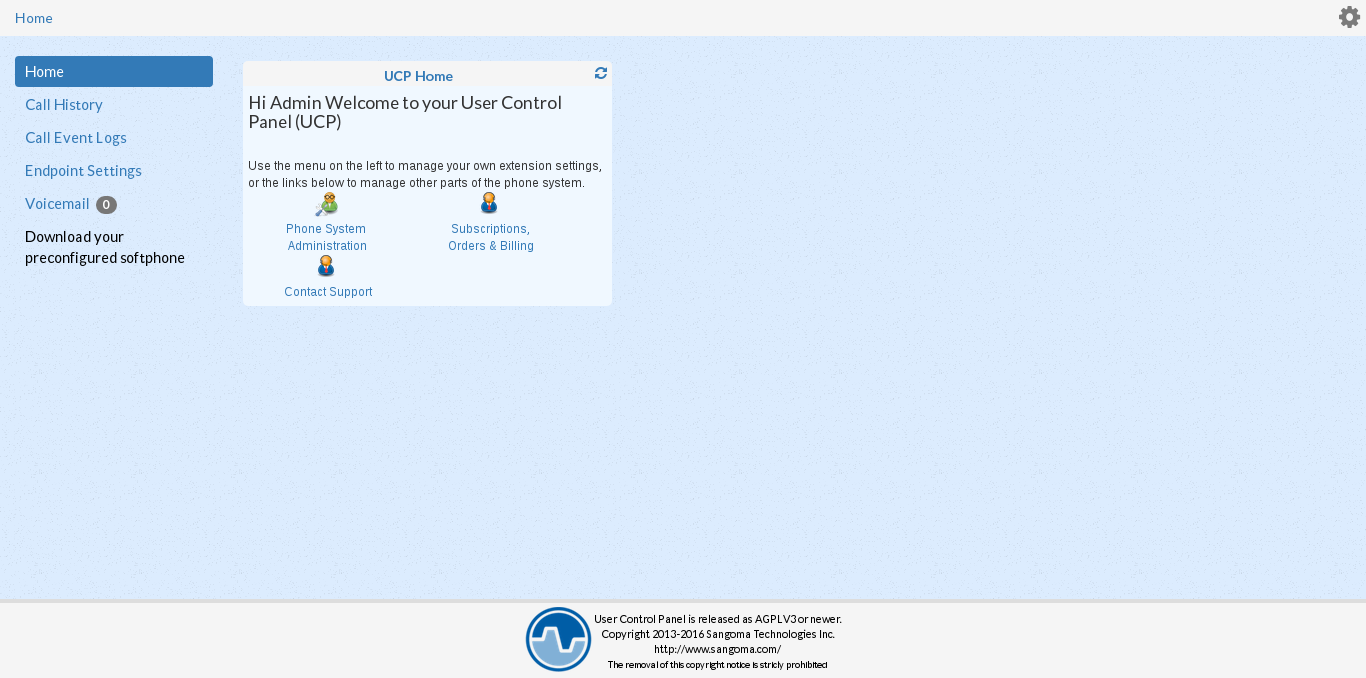
Once you login you should land on the user management page that each user gets.